Training
End stale PowerPoints.
Drive organic stakeholder adoption.
Generate interactive training experiences for stakeholders in your application environments, in seconds.
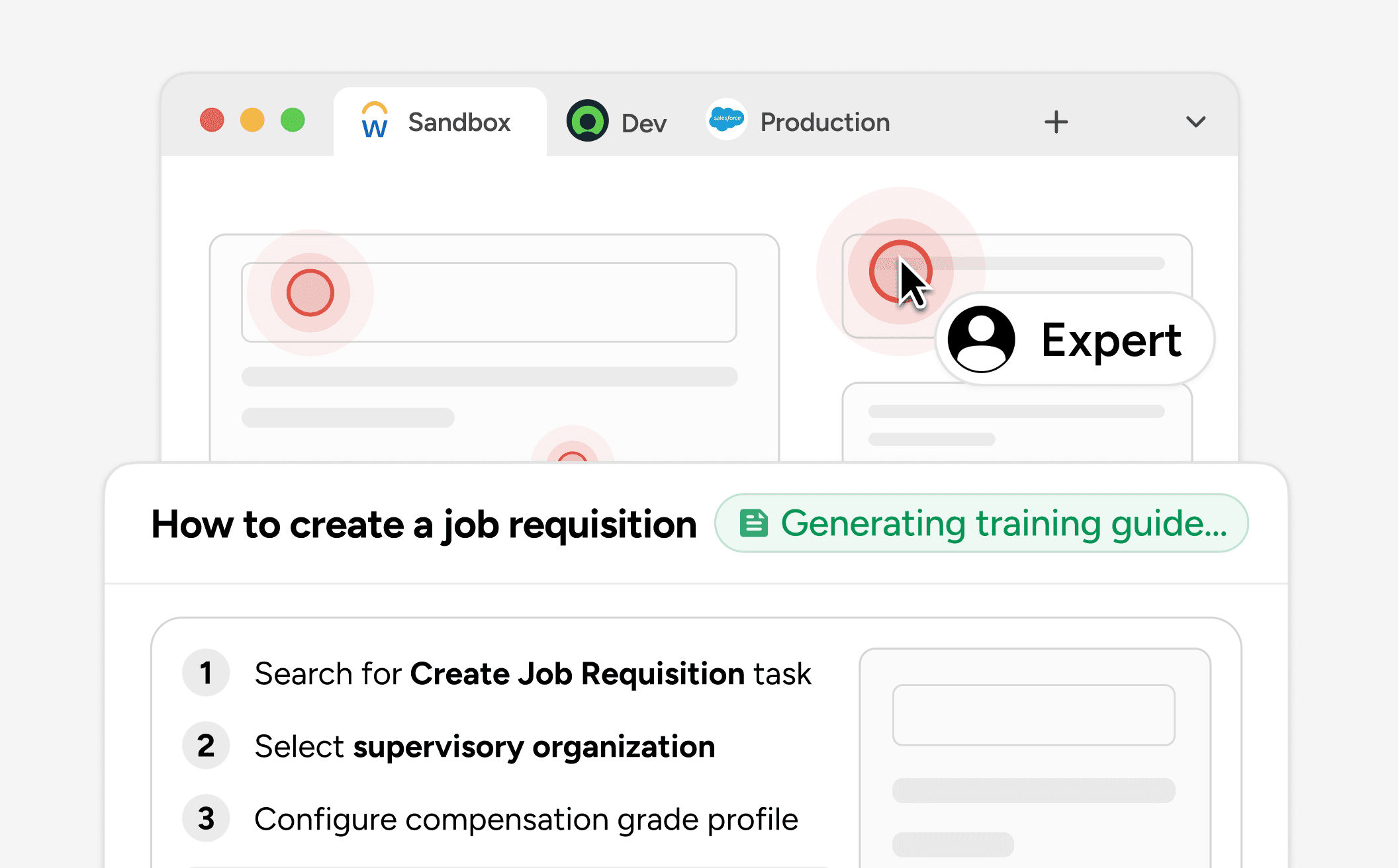
You work as usual. Training assets get generated from what you've done.
Configure in Sandbox like you always do. Mando picks up every screen, click, and word, and shapes it into a guided walkthrough. Nothing to write. Nothing to edit.
You work as usual. Training assets get generated from what you've done.
Configure in Sandbox like you always do. Mando picks up every screen, click, and word, and shapes it into a guided walkthrough. Nothing to write. Nothing to edit.
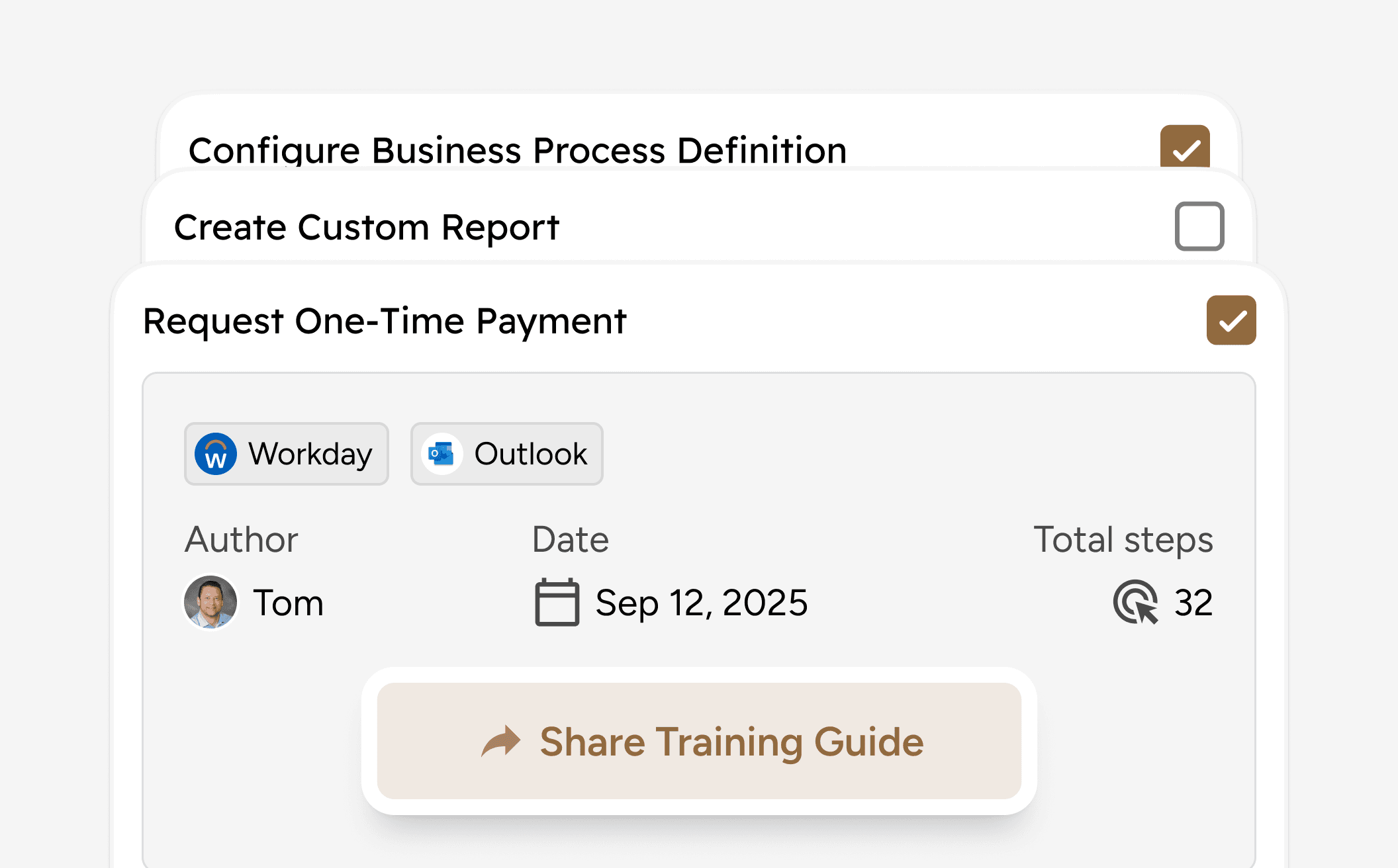
One link to share, always reflecting your latest configuration.
Send it in Slack, assign by role, drop it in a shared folder. Stakeholders always get the live version, updated the moment your config changes.
One link to share, always reflecting your latest configuration.
Send it in Slack, assign by role, drop it in a shared folder. Stakeholders always get the live version, updated the moment your config changes.
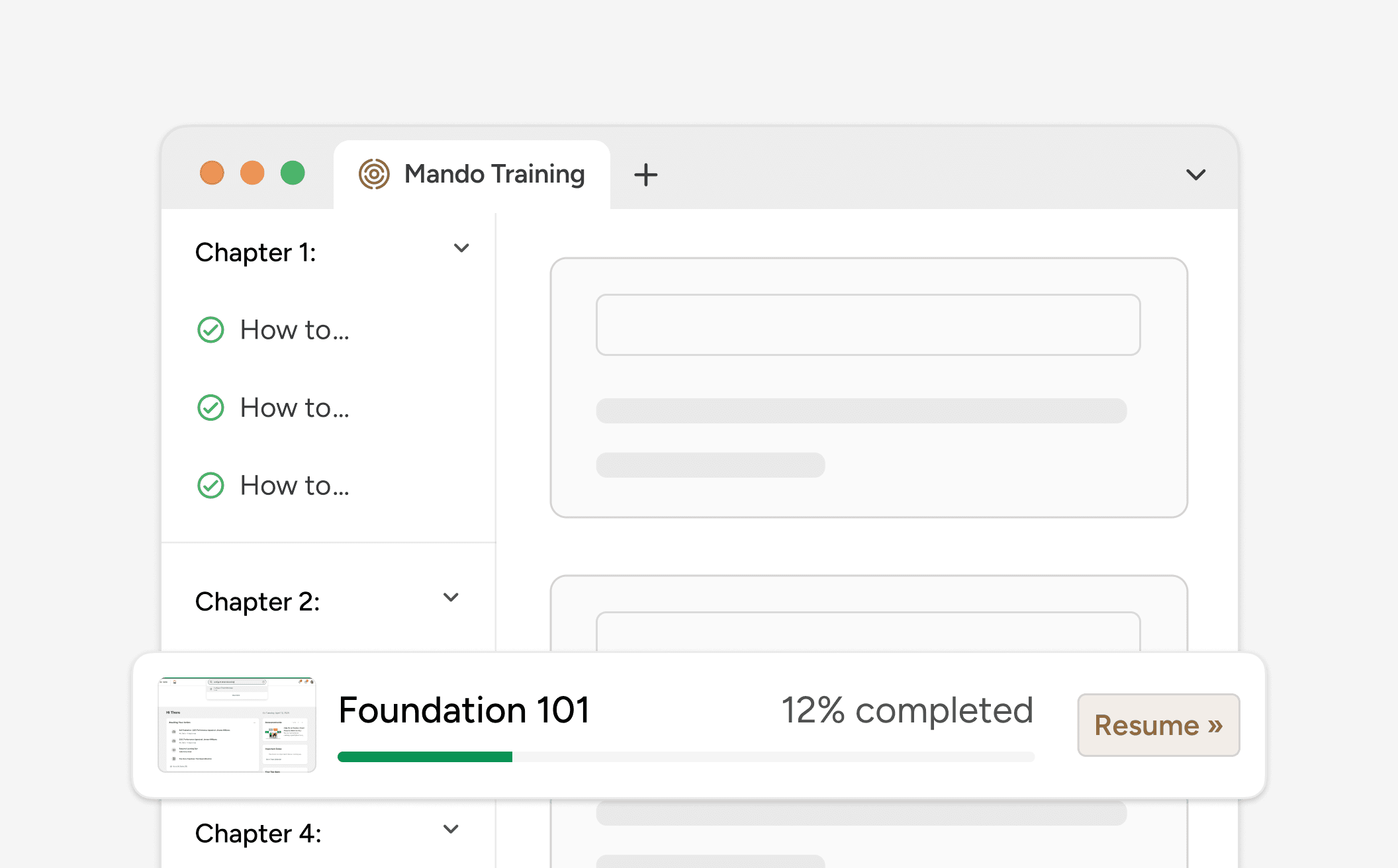
An AI tutor for every stakeholder.
Mando tracks where each stakeholder is in the workflow, spots where they're stuck, and walks them through it. They get unblocked in seconds instead of pinging you on Slack. You see progress, drop-off, and completion in real time.
An AI tutor for every stakeholder.
Mando tracks where each stakeholder is in the workflow, spots where they're stuck, and walks them through it. They get unblocked in seconds instead of pinging you on Slack. You see progress, drop-off, and completion in real time.
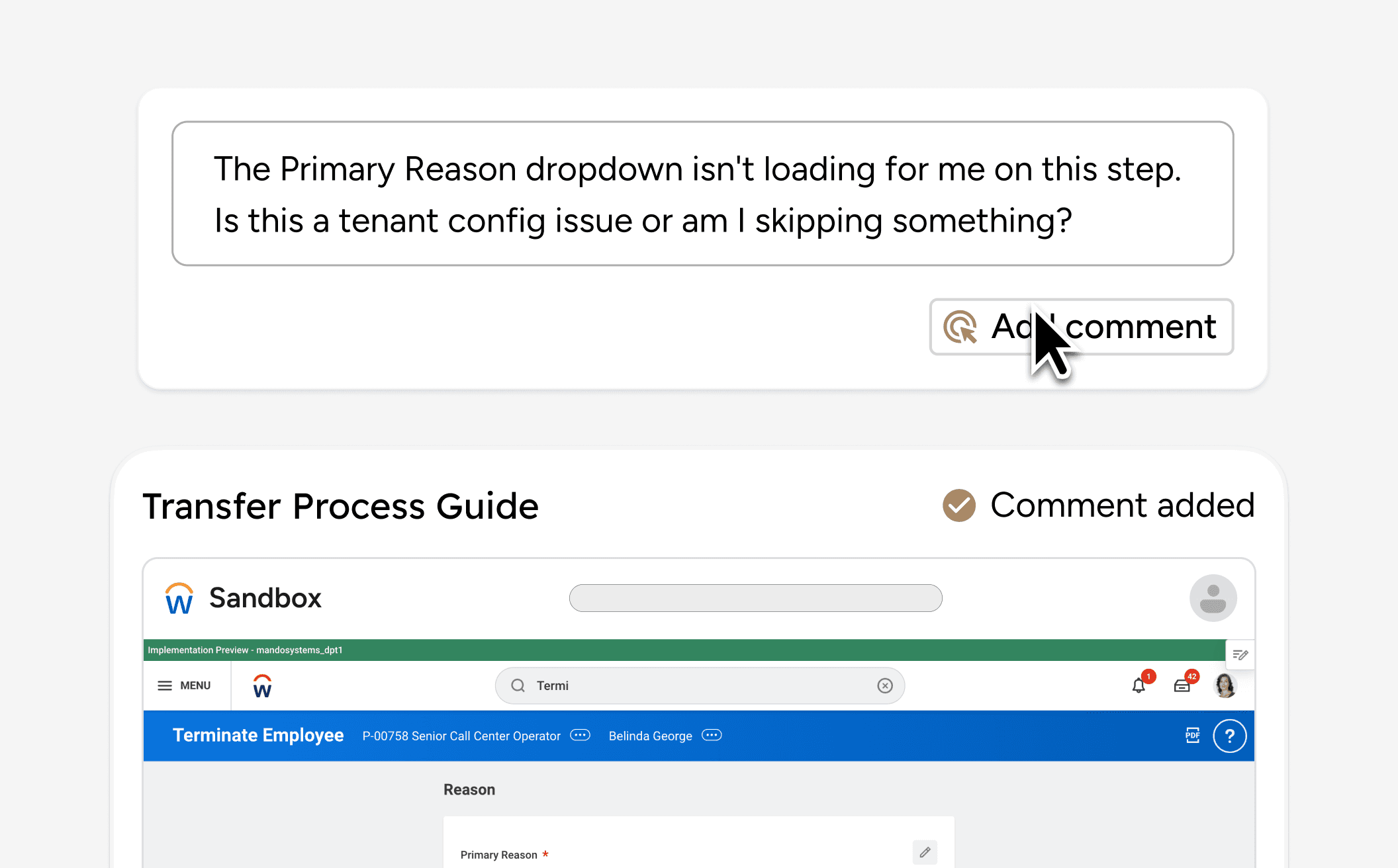
Your stakeholders comment on the step. Not through a support ticket.
When a stakeholder gets stuck, they leave a comment on the step itself. You see exactly what they saw: the screen, the click, the surrounding workflow. You answer once, in place, and the answer stays pinned for the next person who hits the same wall.
Your stakeholders comment on the step. Not through a support ticket.
When a stakeholder gets stuck, they leave a comment on the step itself. You see exactly what they saw: the screen, the click, the surrounding workflow. You answer once, in place, and the answer stays pinned for the next person who hits the same wall.
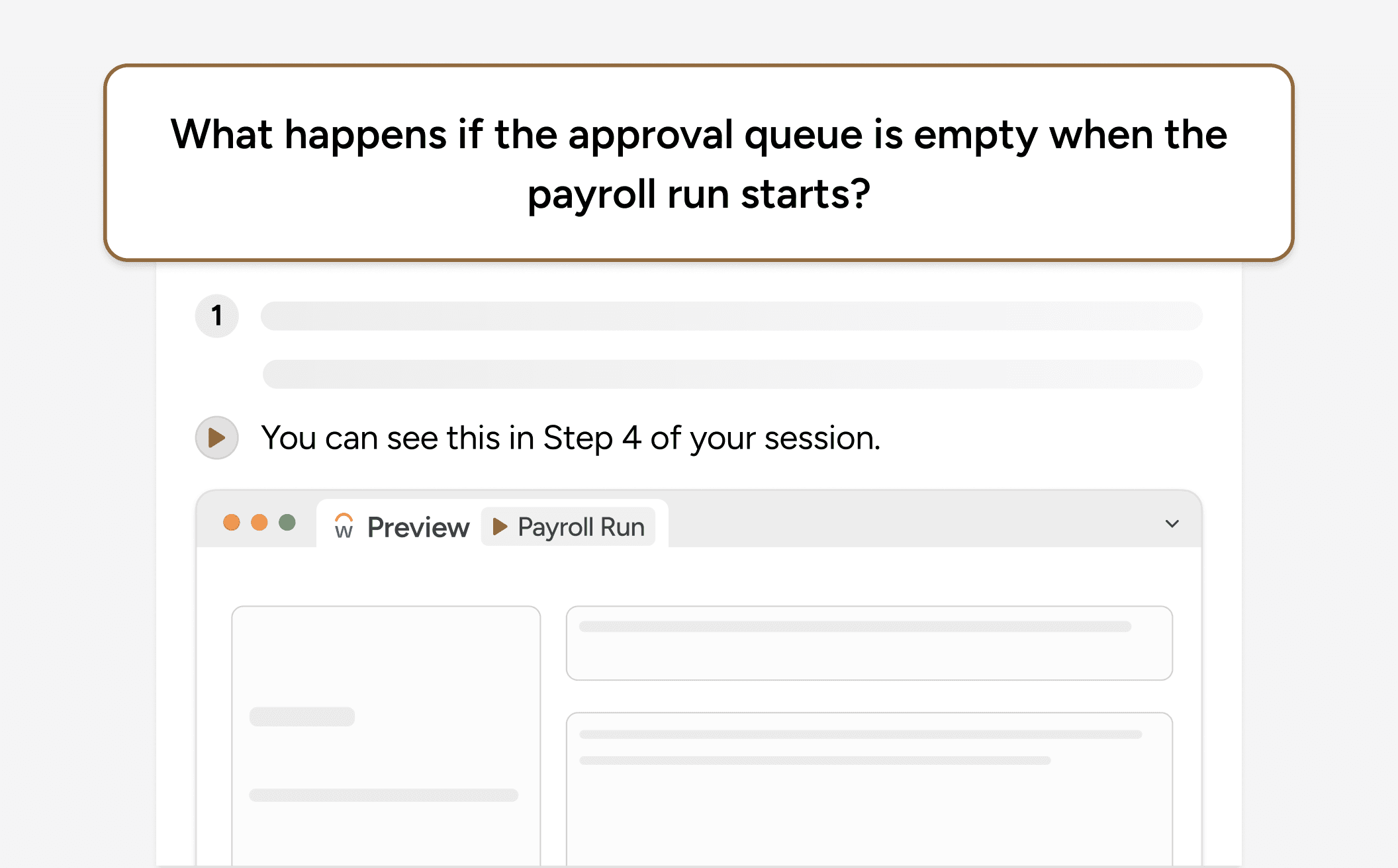
Each net new training compounds your existing knowledge base.
Published trainings feed Mando's shared knowledge base. Months later, anyone with access can ask how a process works and jump back to the original step.
Each net new training compounds your existing knowledge base.
Published trainings feed Mando's shared knowledge base. Months later, anyone with access can ask how a process works and jump back to the original step.
Frequently asked questions
Frequently asked questions
How does Mando capture a training?
The expert works inside any app as usual. Mando captures screen states, clicks, and context automatically, then generates a structured training guide. No video editing, no manual screenshots.
Can I share a training with people outside my company?
Yes. Share any document or folder with an email address. External viewers see a clean, branded learning experience. They cannot edit the source — only comment, ask questions, and follow along.
What does the learner experience look like?
Learners see the exact screens the expert captured, presented as a guided walkthrough with chapter navigation and progress tracking. It feels like a polished course built from real work.
How do comments work on training documents?
Comments pin to a specific step in the document. The trainer sees the comment in context and responds there. No separate tool needed..
Can the whole company search across trainings?
Yes. Every published training feeds into a shared knowledge base. Anyone with access can search across all guides, docs, and captured workflows.
What happens when the expert who created a training leaves?
Everything stays. Trainings, captures, and shared folders belong to your organization. Authorship is preserved, but the knowledge never leaves.
How does Mando capture a training?
The expert works inside any app as usual. Mando captures screen states, clicks, and context automatically, then generates a structured training guide. No video editing, no manual screenshots.
Can I share a training with people outside my company?
Yes. Share any document or folder with an email address. External viewers see a clean, branded learning experience. They cannot edit the source — only comment, ask questions, and follow along.
What does the learner experience look like?
Learners see the exact screens the expert captured, presented as a guided walkthrough with chapter navigation and progress tracking. It feels like a polished course built from real work.
How do comments work on training documents?
Comments pin to a specific step in the document. The trainer sees the comment in context and responds there. No separate tool needed..
Can the whole company search across trainings?
Yes. Every published training feeds into a shared knowledge base. Anyone with access can search across all guides, docs, and captured workflows.
What happens when the expert who created a training leaves?
Everything stays. Trainings, captures, and shared folders belong to your organization. Authorship is preserved, but the knowledge never leaves.
Turn real workflows into training people actually use.
Mando creates guided walkthroughs from live admin work, then keeps them searchable, shareable, and up to date.
"Mando catches configuration drift before it impacts transactions. We maintained 100% uptime during our busiest season."


Jess Wagner
HRIS Systems Lead @ Deluxe
"We save over 150 hours a month by automating documentation. The search features make audit a breeze."


Tami Olsen
Systems Lead @ City of Provo
"The system natively enforces process adherence. We have full visibility into every change happening in our tenants."


Christian Delcid
Global HRIS Lead @ Asahi Kasei
Clarity across every corner of your most mission critical applications


Turn real workflows into training people actually use.
Mando creates guided walkthroughs from live admin work, then keeps them searchable, shareable, and up to date.
"Mando catches configuration drift before it impacts transactions. We maintained 100% uptime during our busiest season."
Jess Wagner
HRIS Systems Lead @ Deluxe
"We save over 150 hours a month by automating documentation. The search features make audit a breeze."
Tami Olsen
Systems Lead @ City of Provo
"The system natively enforces process adherence. We have full visibility into every change happening in our tenants."
Christian Delcid
Global HRIS Lead @ Asahi Kasei
Testimonials
Clarity across every corner of your most mission critical applications
Turn real workflows into training people actually use.
Mando creates guided walkthroughs from live admin work, then keeps them searchable, shareable, and up to date.
"Mando catches configuration drift before it impacts transactions. We maintained 100% uptime during our busiest season."
Jess Wagner
HRIS Systems Lead @ Deluxe
"We save over 150 hours a month by automating documentation. The search features make audit a breeze."
Tami Olsen
Systems Lead @ City of Provo
"The system natively enforces process adherence. We have full visibility into every change happening in our tenants."
Christian Delcid
Global HRIS Lead @ Asahi Kasei
Clarity across every corner of your most mission critical applications